
Using Discriminated Unions in TypeScript for Safer API Responses
Using Discriminated Unions in TypeScript for Safer API Responses
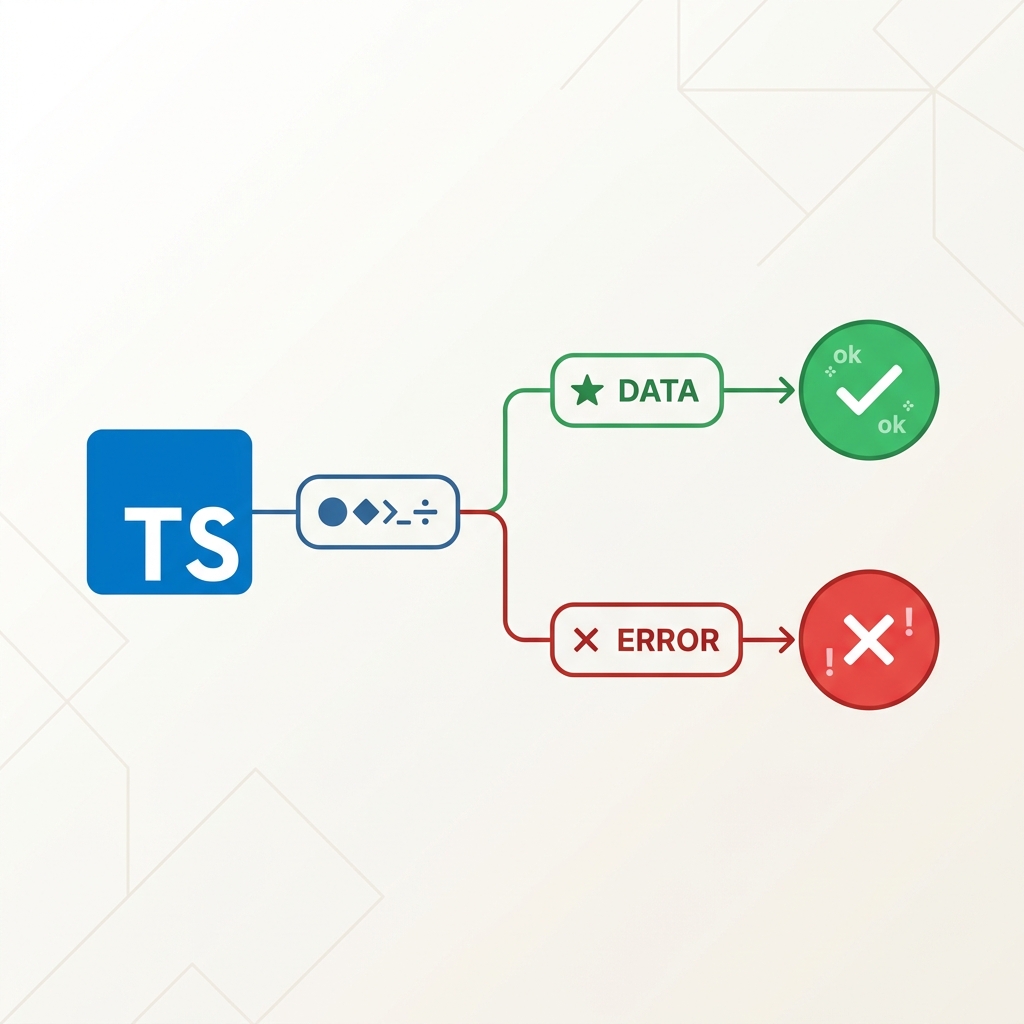
Picture this: you're fetching data from an API, the request fails, and somewhere in your component you try to render data.user.name. Your UI explodes with a Cannot read properties of undefined error, and you spend 30 minutes figuring out that the error response never had a user field to begin with.
We've all been there. And every single time, the root cause is the same: we trusted the shape of our data without ever proving it to TypeScript.
Today, I want to show you a tiny TypeScript trick that completely eliminates that problem. It's called a discriminated union, and once you understand it, you'll use it everywhere.
The Problem: Your API Can Return Two Very Different Things
Let's say you have an API endpoint. When everything goes well, it returns a success object. When something blows up, it returns an error object. Sounds simple, right?
The issue is how most of us model this in TypeScript:
// 😬 The "just slap optional on everything" approach
type ApiResponse = {
  data?: User
  error?: string
  loading?: boolean
  message?: string
}
Now everything is optional. TypeScript is technically happy. But you are not, because now you have no idea which combination of fields actually exists at any given time. Can data and error both exist at once? Can neither exist? Who knows! TypeScript certainly won't tell you.
This is what I call the "optional spaghetti" approach to types. It compiles, it runs, and it absolutely destroys your confidence in the data you're working with.
What you'll learn: Why modeling API responses as a flat object with optional fields is a type-safety trap.
Why this section matters: Identifying the bad pattern is step one to fixing it for good.
The Solution: Model Both Outcomes as Separate Types
Here's the better way. Instead of one messy type with optional everything, we define two completely separate types — one for success, one for error — and then combine them:
type SuccessResponse = {
  state: 'success'
  loading: false
  data: User
}

type ErrorResponse = {
  state: 'error'
  message: string
}

// ApiResponse is EITHER a SuccessResponse OR an ErrorResponse
type ApiResponse = SuccessResponse | ErrorResponse
Notice the state property on both types. That's the secret sauce — and we'll get to why in a moment.
What you'll learn: How to model success and error cases as distinct, complete types instead of a single optional mess.
Why this section matters: This is the foundation. The rest of the magic only works because of this structure.
How TypeScript Automatically Narrows the Type
Here's where things get genuinely cool. Because both SuccessResponse and ErrorResponse share a state property, TypeScript can use that shared field to figure out exactly which type you're working with inside an if block:
const validateApiResponse = (data: ApiResponse) => {
  if (data.state === 'error') {
    // Inside this block, TypeScript KNOWS data is an ErrorResponse.
    // So it knows data.message is guaranteed to exist.
    const message = data.message // ✅ TypeScript is happy. You are happy.

    console.error('Something went wrong:', message)
    return
  }

  // Down here, TypeScript KNOWS data is a SuccessResponse.
  // So data.data (the User object) is safe to access.
  console.log('Success! User:', data.data.name) // ✅ No optional chaining needed.
}
TypeScript looked at data.state === 'error', realized that only ErrorResponse has state: 'error', and automatically narrowed the type. This process is called type narrowing.
The beautiful part? You didn't have to write a single type guard, a manual cast (as ErrorResponse), or even a comment explaining what's going on. TypeScript just... figured it out.
What you'll learn: How checking a shared
statefield lets TypeScript automatically narrow a union type.Why this section matters: This is the "aha moment." One simple
ifcheck eliminates a whole class of runtime bugs.
Why This Works: The "Discriminant" Explained
The reason this pattern is called a discriminated union is because one shared property (the discriminant) is what differentiates the members of the union.
In our example, state is the discriminant. It can only ever be 'success' or 'error' — and crucially, it's present on every type in the union.
Think of it like a sealed envelope. The state property is the stamp on the outside. Without opening the envelope (without runtime code), TypeScript can read the stamp and know exactly what's inside.
| What TypeScript sees | What it knows |
|---|---|
data.state === 'success' | data is SuccessResponse, data.loading and data.data exist |
data.state === 'error' | data is ErrorResponse, data.message exists |
| Neither check done yet | data is ApiResponse — could be either, be careful |
What you'll learn: The conceptual role of the "discriminant" field in a union type.
Why this section matters: Once you understand why this works, you can apply the pattern to any data shape — not just API responses.
A Real-World Example with a React Component
Let's put this into practice with something you'd actually write. Here's a component that renders different UI based on the API state:
type LoadingState = {
  state: 'loading'
}

type SuccessState = {
  state: 'success'
  user: {
    name: string
    email: string
  }
}

type ErrorState = {
  state: 'error'
  message: string
}

// Three states, one union
type ProfileState = LoadingState | SuccessState | ErrorState

function UserProfile({ profile }: { profile: ProfileState }) {
  if (profile.state === 'loading') {
    return <div>Loading your profile...</div>
  }

  if (profile.state === 'error') {
    // TypeScript knows profile.message exists here. No ?. needed.
    return <div className="error">Error: {profile.message}</div>
  }

  // TypeScript knows profile.user exists here. Perfectly safe.
  return (
    <div>
      <h1>{profile.user.name}</h1>
      <p>{profile.user.email}</p>
    </div>
  )
}
Three completely different shapes. One union type. Zero undefined errors at runtime — because TypeScript checked each case at compile time.
This is not just cleaner code. This is provably correct code.
What you'll learn: How to extend discriminated unions beyond two states, and how they work in a React component.
Why this section matters: Moving from theory to practice. This pattern maps directly to how you'd handle loading, success, and error states in any real app.
The TypeScript Compiler as Your Co-Pilot
Here's my favourite thing about this pattern. Add a new state to your union — say, a 'rate-limited' state — and TypeScript will immediately highlight every if/switch block in your code that doesn't handle it yet.
type RateLimitedState = {
  state: 'rate-limited'
  retryAfter: number // seconds
}

type ProfileState = LoadingState | SuccessState | ErrorState | RateLimitedState
Now your UserProfile component has a TypeScript warning in the editor: "Hey, you don't have a case for 'rate-limited'. What should happen there?"
You didn't need to search the codebase. You didn't need to write a test. The compiler found the missing case automatically. That's the difference between TypeScript as a "syntax highlighter" and TypeScript as an actual safety net.
What you'll learn: How adding a new union member forces you to handle it everywhere — making TypeScript your quality gatekeeper.
Why this section matters: This is the long-term payoff. As your codebase grows, this pattern gives you the confidence to refactor without breaking things silently.
Common Mistakes to Avoid
1. Forgetting to include the discriminant on every union member
The discriminant field (state, type, kind, etc.) must exist on all members of the union. If even one member is missing it, TypeScript can't narrow correctly.
// ❌ This breaks narrowing. TypeScript can't trust the `state` field
// because not all union members have it.
type BadResponse = { state: 'success'; data: User } | { errorMessage: string }

// ✅ All members have `state`
type GoodResponse = { state: 'success'; data: User } | { state: 'error'; message: string }
2. Using a discriminant that isn't a literal type
The discriminant needs to be a string (or number) literal, not just string. TypeScript can't narrow on a field that could be anything.
// ❌ state is just `string` — TypeScript can't narrow this
type BadResponse = { state: string; data?: User; message?: string }

// ✅ state is a literal — TypeScript can narrow this perfectly
type GoodResponse = { state: 'success'; data: User } | { state: 'error'; message: string }
3. Reaching for as instead of narrowing
If you find yourself writing (data as ErrorResponse).message, that's a red flag. It means you're overriding the type system instead of working with it. The whole point of discriminated unions is that you should never need to cast.
What you'll learn: The three most common ways to accidentally break this pattern.
Why this section matters: Knowing the pitfalls saves you from the frustrating experience of "I set up a discriminated union but TypeScript still isn't narrowing my types."
Quick Reference: The Anatomy of a Discriminated Union
Here's your cheat sheet to put on your wall (or your second monitor):
// 1. Each member has the SAME discriminant field name ("state")
// 2. Each value of "state" is a UNIQUE string literal
// 3. Each member can have COMPLETELY DIFFERENT additional fields

type MyUnion =
  | { state: 'idle' }                                         // No extra fields
  | { state: 'loading'; progress: number }                    // progress only in loading
  | { state: 'success'; data: SomeType }                      // data only in success
  | { state: 'error'; message: string; code: number }         // message + code only in error

// TypeScript narrows automatically when you check `state`
const handleState = (s: MyUnion) => {
  if (s.state === 'loading') console.log(s.progress) // ✅
  if (s.state === 'success') console.log(s.data)     // ✅
  if (s.state === 'error') console.log(s.message, s.code) // ✅
}
Summary
Discriminated unions are one of those features where the name sounds scarier than the concept. Here is what to remember:
- Model your outcomes as separate types, not as one type with a bunch of optionals.
- Add a shared discriminant field (like
state,type, orkind) with a unique string literal value to each member. - Check the discriminant at runtime, and TypeScript will automatically narrow the type for that branch.
- Add new union members freely — the compiler will flag every place you forgot to handle the new case.
That's it. No magic libraries, no complex type gymnastics. Just a cleaner way to model the reality that your data can have fundamentally different shapes depending on the situation.
The next time you're about to write message?: string on an API response type, stop. Ask yourself: "Is message only present when something goes wrong?" If the answer is yes — you know what to do.
Happy Coding!